Inside the platform
Signing in
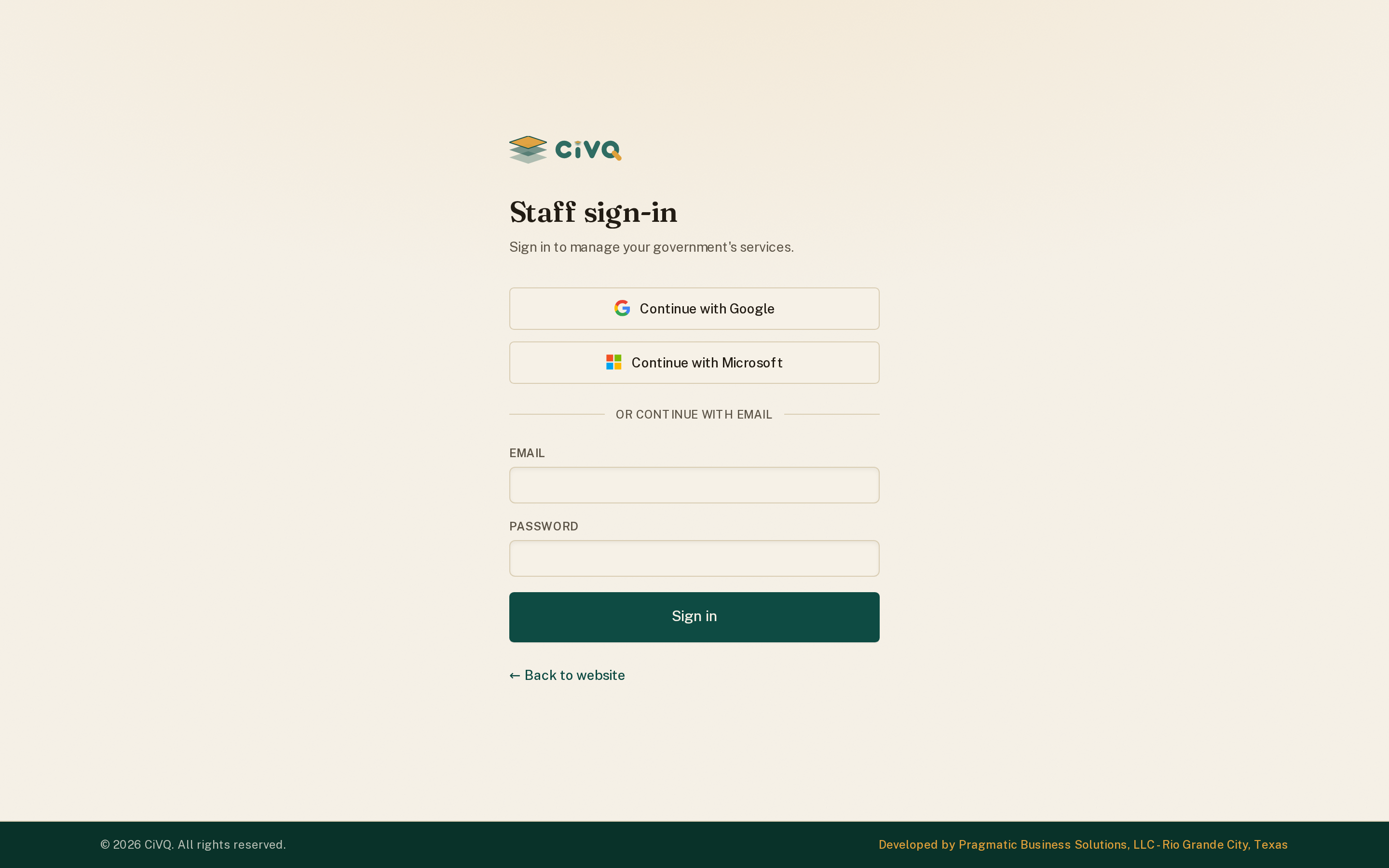
Staff sign in at their tenant's /login. The login is tenant-aware — the same page on tsc.civq.us signs you into The Sign Company's workspace.
tsc.civq.us/login
 123
123What happens on sign-in
- Enter your email — the account is tied to one entity (your government).
- Enter your password — two-factor authentication is available and can be required.
- You land on the dashboard, already scoped to your entity and role — you only see the modules and data you're allowed to.
Roles & visibility: a member is staff or admin within their entity, with optional finer grants (who can approve access, who sees the whole department subtree). Nothing crosses to another tenant.